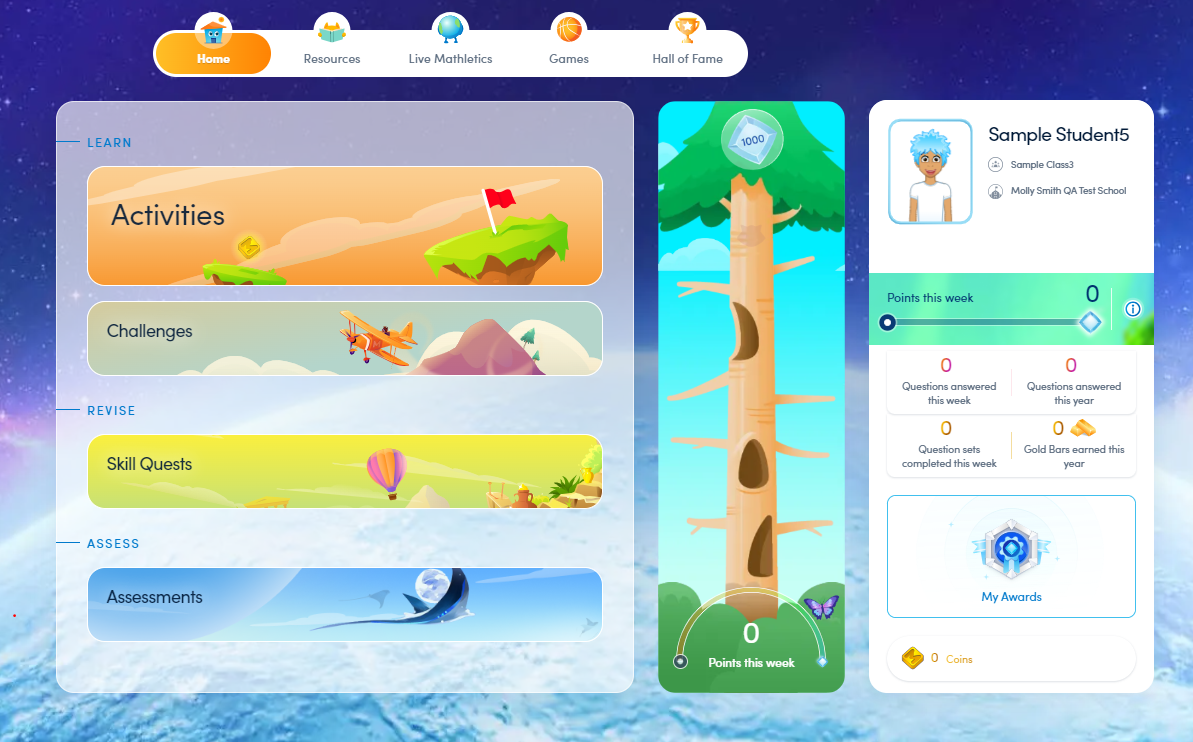
Step 2. Check out the student view

Written by Elizabeth Carlson
Updated at May 26th, 2026
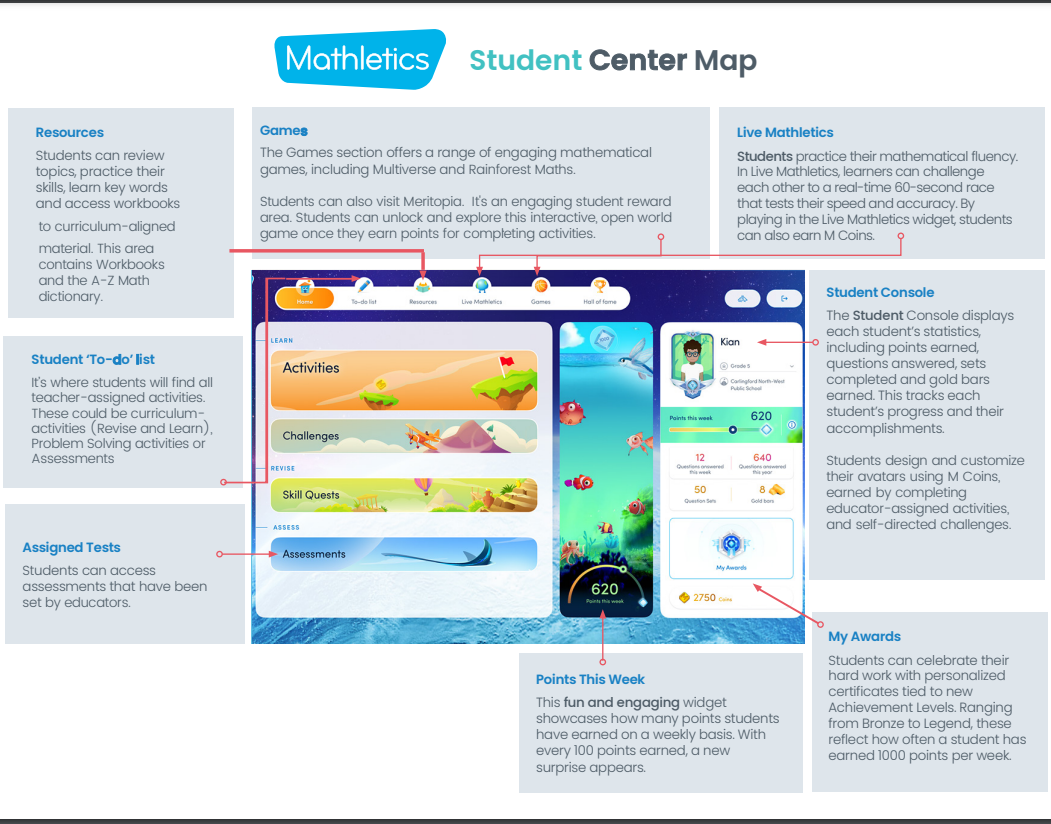
In this step, you will take a quick look at what your students have access to. You can use student view for instruction, to view activities, or to see why students love Mathletics so much. You can check out our Student Console Map or follow the directions below to view it live.
Download the Student Console Map.
Follow the instructions below to view the student console live.
- Log into yourMathletics Teacher Console
- Click ‘Student View’
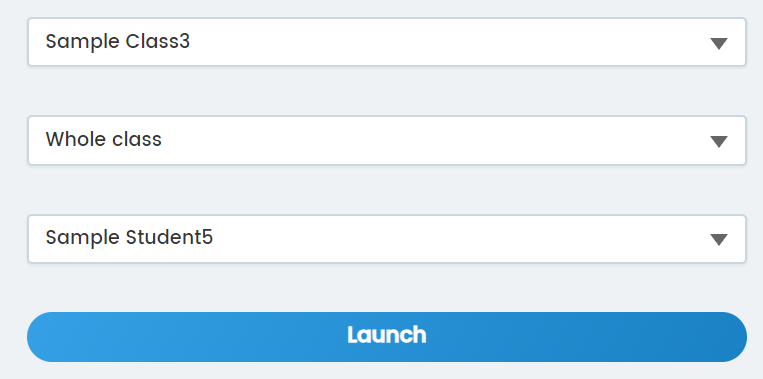
- Select class, group, and then student
- Explore